Browsing the web is a lost art. Where we once lost countless hours to browsing, we now consume the infinite feeds of content being fed to us. How much control we have over these feeds is debatable. It is a tired refrain to remind you that it is less than we think.
I remarked to a friend that I’d been enjoying browsing individual sites again, enjoying re-discovering the quirky web that I grew up with.
“Now, out of curiosity, would you happen to have compiled a list of all this “quirky, free spirited” sites that you don’t mind sharing with me?
Whilst I do maintain a list of curated links, this isn’t where I go for things to read. I’m here to tell you that we need to revive the lost art of browsing. Scrolling is not browsing.
“It’s taking a mental toll on me scrolling through LinkedIn and reading how just about everyone is shoving ‘use AI for this use AI for that’ to promote [themselves]”
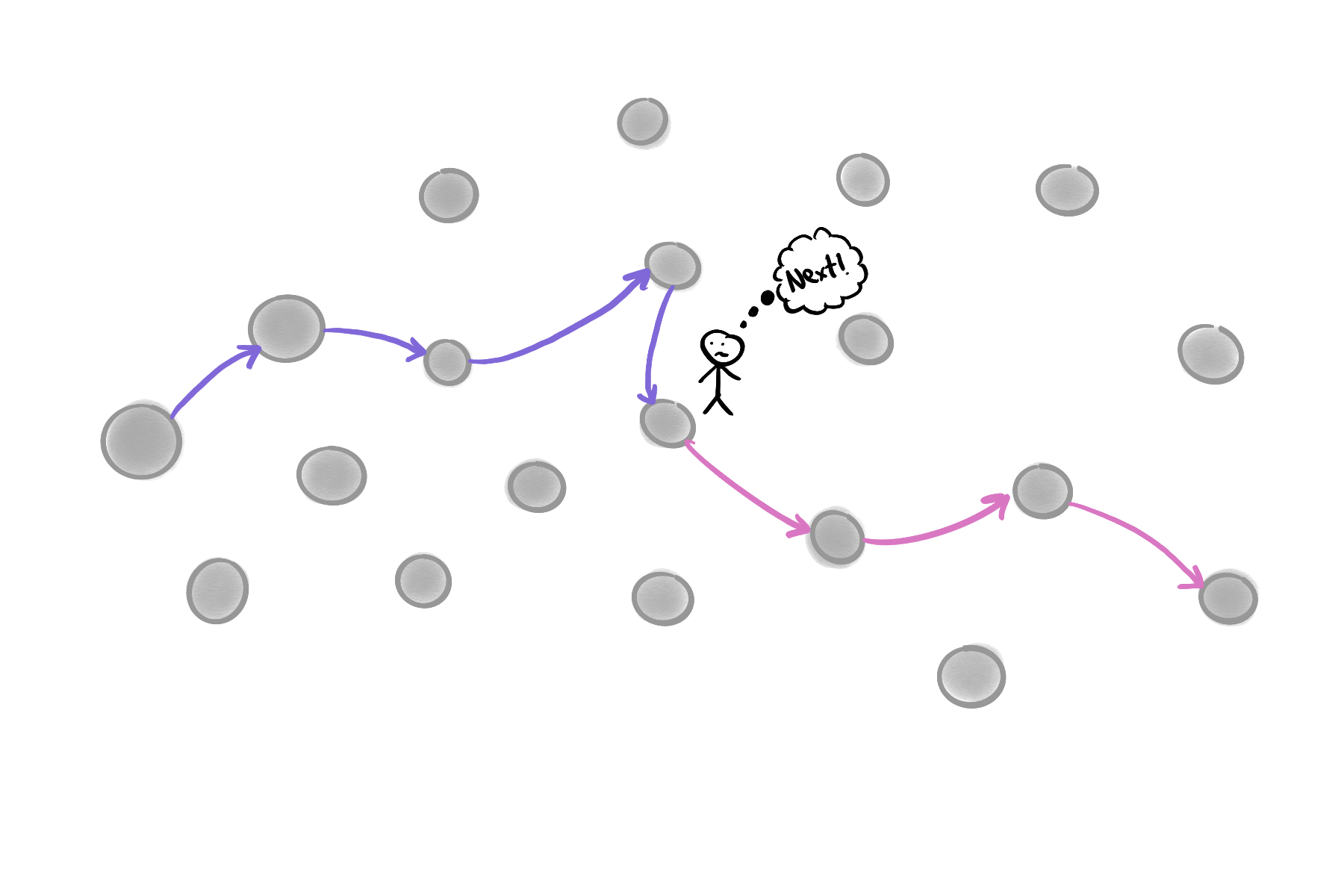
Next, next, next…
I’m not a big LinkedIn user, march to the chagrin of my colleagues, but this isn’t a problem unique to LinkedIn. Pick your social media platform of choice and you’ll find that this is the same; Instagram, TikTok, Douyin, Xiaohongshu, X, YouTube. Instead of letting curiosity decide conscious decision making about what we see next, we are relying on hyper-personalised recommendations to feed us the next nugget of information or entertainment.
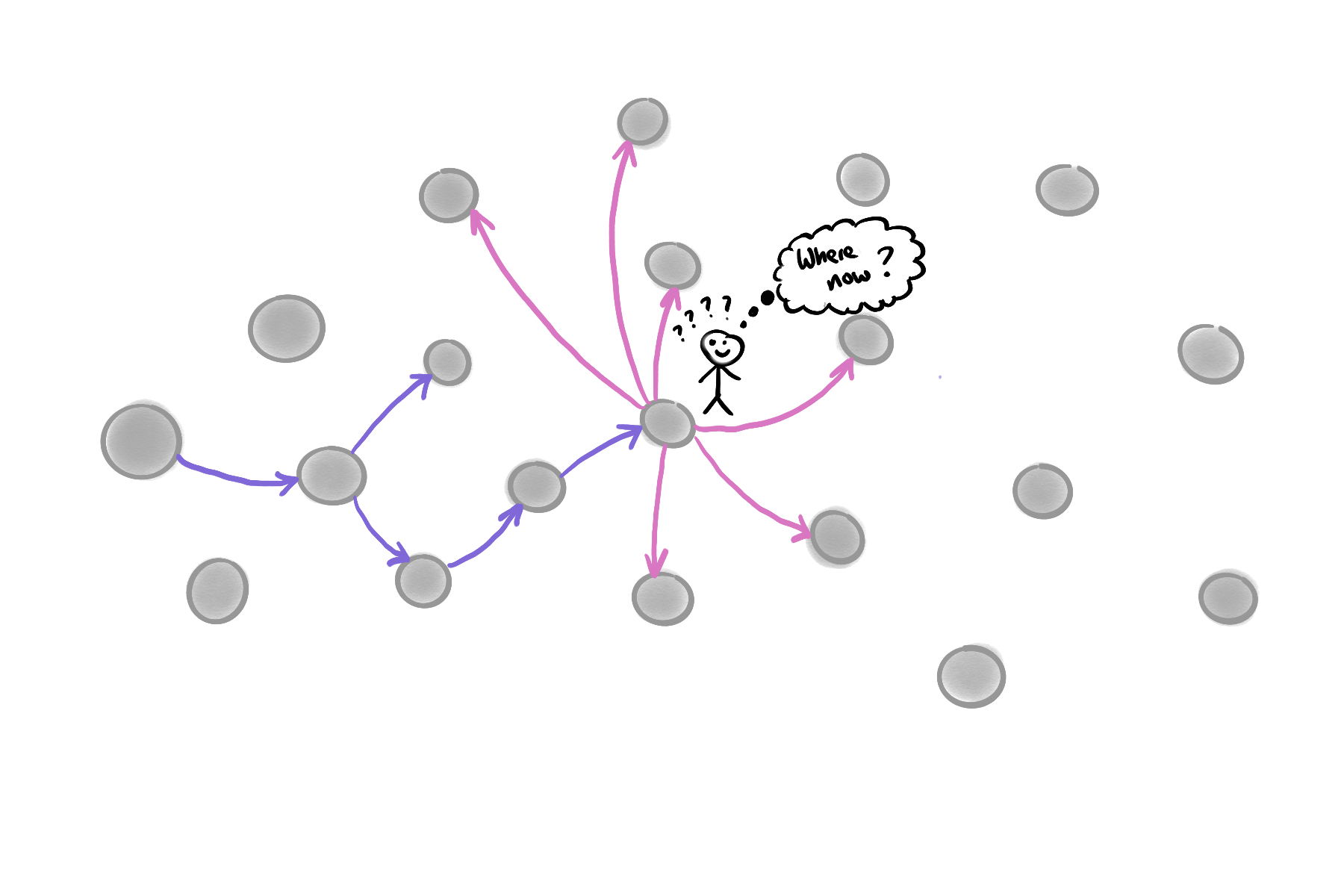
Where now? Let curiosity decide!
How I browse the web
Daily
Instead of opening LinkedIn, X, or Mastodon, I start with my RSS reader. As of this morning there are 18 unread articles. That doesn’t feel bad. I’ve seen this peak in the 90s if I’ve left it for a couple of days. I make a first pass over the unread posts, marking those that don’t pique my interest as ‘read’. Then I go post by post and read the full entry right in my RSS reader. Occasionally I’ll come across a post that I want to explore further, I save it for later.
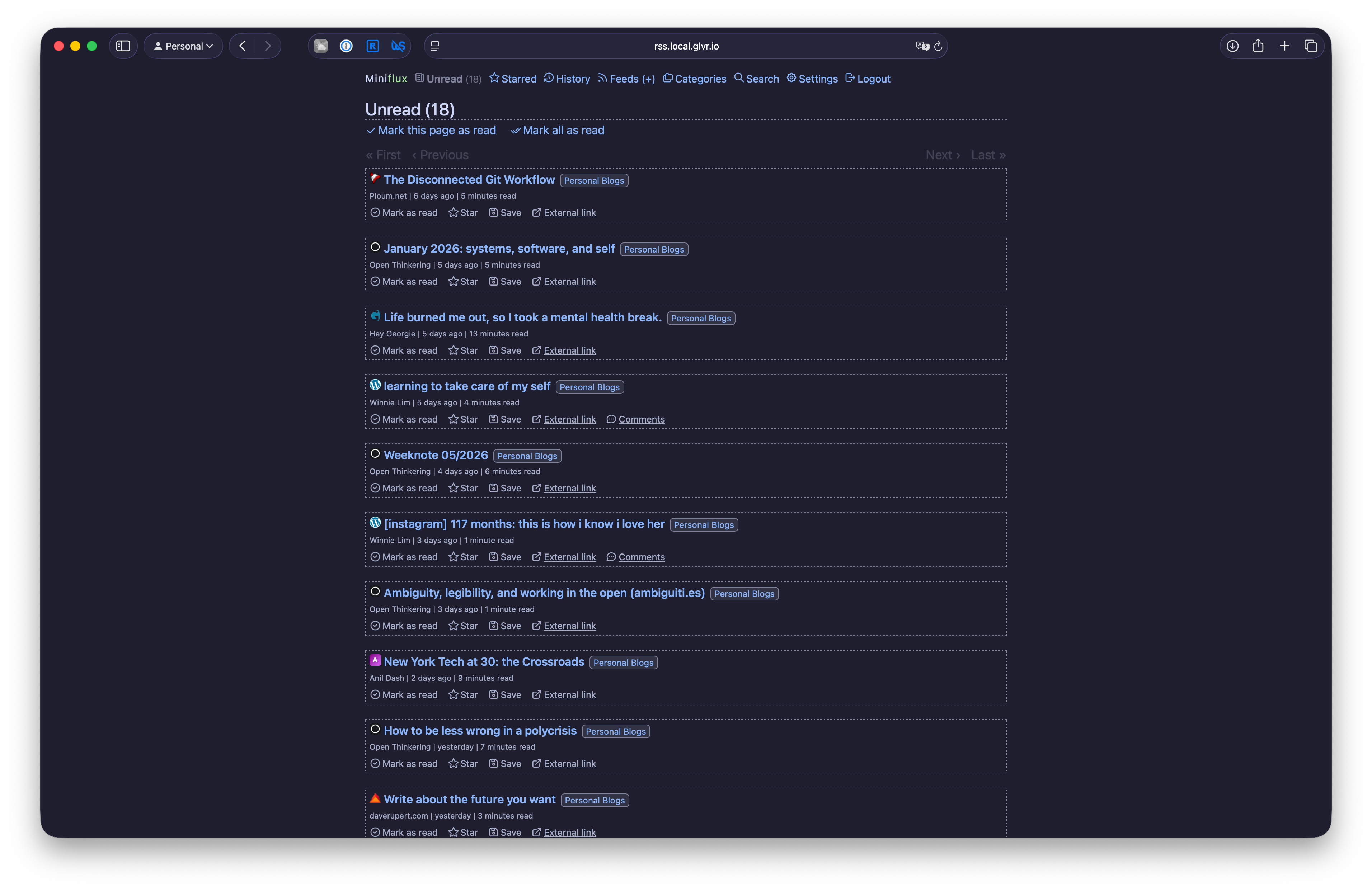
Miniflux RSS Reader
This is how I read posts on the web. This doesn’t sound too different from scrolling LinkedIn does it? There is one crucial difference. I am in complete control of everything that appears in my RSS reader. Every post that arrives in my feed is there because I made a conscious choice to subscribe to it. When a feed no longer interests me, I unsubscribe. When a feed is too noisy, I filter it. I’m in control.
How do I find things to subscribe to? I don’t subscribe to a list of ‘top blogs’, or ‘key influencers’. I browse the web.
Discovery
It starts with an interesting article. It doesn’t matter what the article is about, it doesn’t matter who wrote it. When I finish reading, I have a look at the “About” page or the /now page to find out more about the author. I then poke around the site. I’m looking for other things they’ve written, a blogroll, or other interesting links they’ve shared.
For each of these links, I open them in new tabs. Once I have a feel for the author and their site, I’ll make a decision. If it’s someone I’d like to subscribe to, I go back to my RSS reader, add the site, mark everything as read and go back to my tabs.
This process of discovery is messy, I can end up with way too many tabs open. But this discovery is what leads me to find interesting people to follow. I get to see their posts as the author intended, on their site. I find out more about them. And, I get to choose whether I subscribe to more of their work.
When I’m done, I close all the tabs. They don’t hang around.
Where to start?
You’ve read this far, you should have a good idea of where to go next. If not,
If you need an RSS reader, I use both of these:
- Miniflux - self hosted, or hosted service
- NetNewsWire - native app