After a recent incident involving a missing delivery, Amazon sent me an email asking for help in following up with the courier company. I replied only to receive the following response moments later.
We received your email to Amazon Customer Service. For security reasons, we can only process emails from addresses that meet certain email security standards. This helps protect all our customers.
Here’s how you can reach us immediately:
- Visit: amazon.co.uk/contact
- Chat with us through your Amazon account.
To contact us by email:
- Use an email address from a provider with up-to-date security features
- Or ask your email administrator to update your email domain’s security settings. Most popular email services already meet these security requirements.
I use Fastmail as my email host. I’m happy with them and was sure they’d met all applicable security standards. This has to have been something I’d done, or failed to do.
I was aware that Gmail now requires all senders to specify both SPF and DKIM records for your domain. They didn’t require DMARC but I set this up on my main email domain. I thought I’d done everything required.
When closing my AWS account I had to migrate a number of DNS records off Route53. It turns out I’d missed one, the DMARC entry for one of my domains. This is the domain I was using to reply to Amazon (Retail) customer support. I no longer had a DMARC reporting solution in place and assumed the record wasn’t required. I have a strong suspicion that this is why Amazon rejected my reply.
I added the required DMARC records and configured DMARC reports to be sent to my inbox. For those looking to set this up on Fastmail, this is an excellent guide.
DMARC records tell a mail server what to do with mails purporting to be from your domain that fail either the DKIM or SPF checks. Mail servers then report details of these failures to an address provided in the DMARC Record.
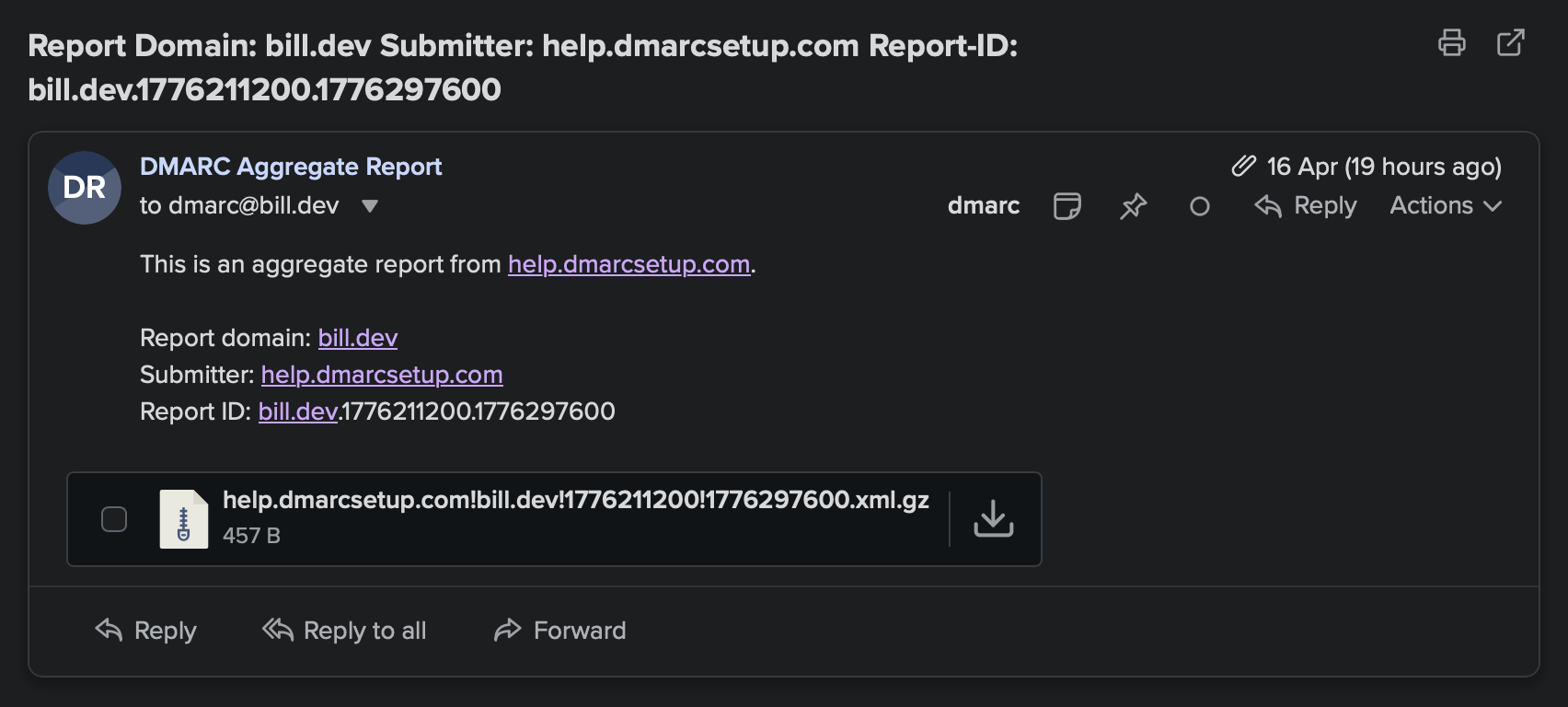
DMARC report
These reports arrive as a gzipped XML file and are not easily human readable. When one arrives in your inbox, it isn’t possible to glance at it and know whether there is a problem or not. And, if there is, what you can do about it.
This is where a tool like Parse DMARC can help. I self-host Parse DMARC locally and have given it access to a specific folder within my inbox. It connects via IMAP and watches for DMARC reports. As reports arrive they are parsed and presented back as a beautiful dashboard.
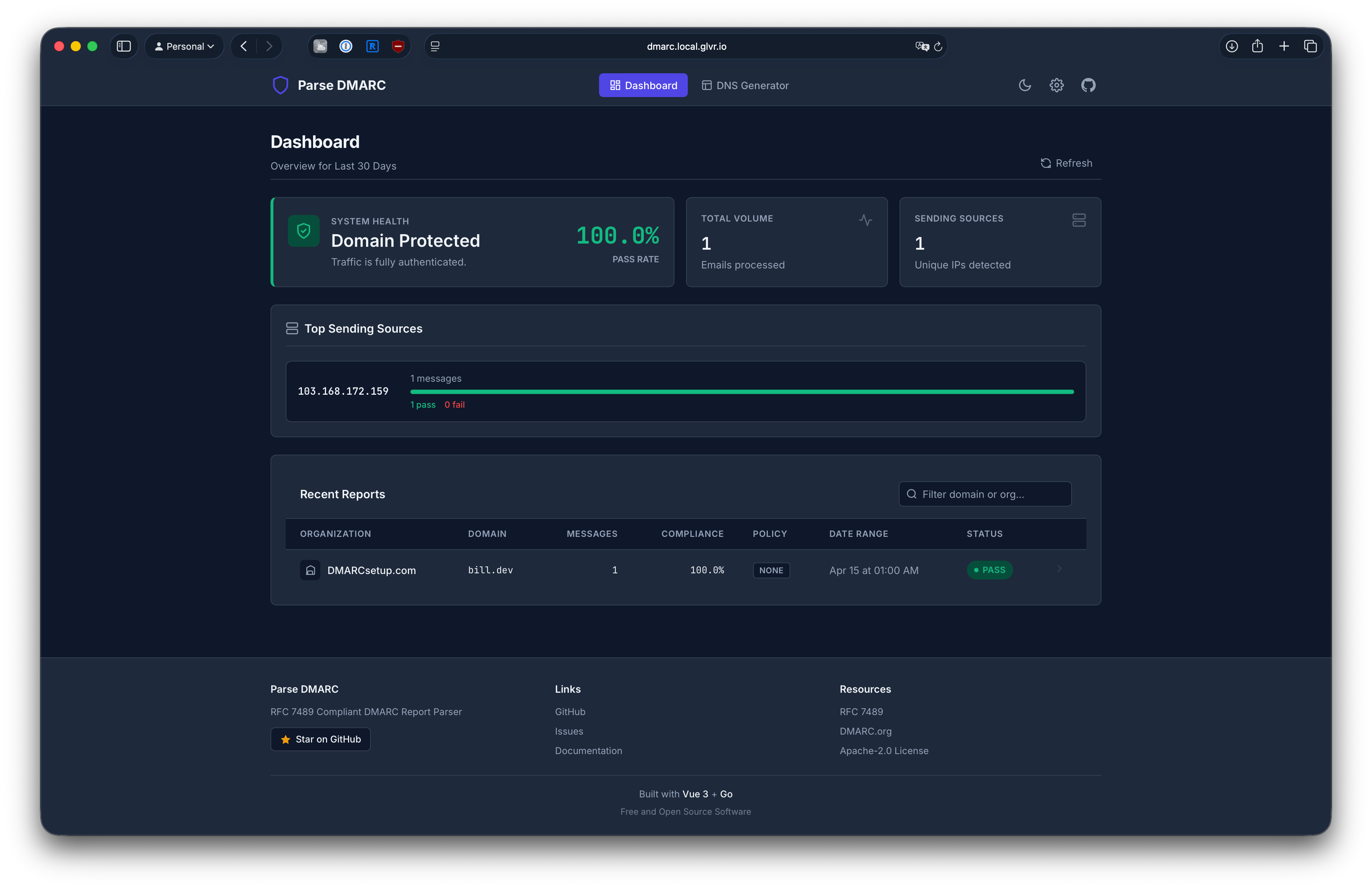
Parse DMARC
I think that my domains are configured to provide the SPF, DKIM, and now DMARC records. But as with anything to do with email, deliverability is not guaranteed. This is a shame as email remains my favourite social network.